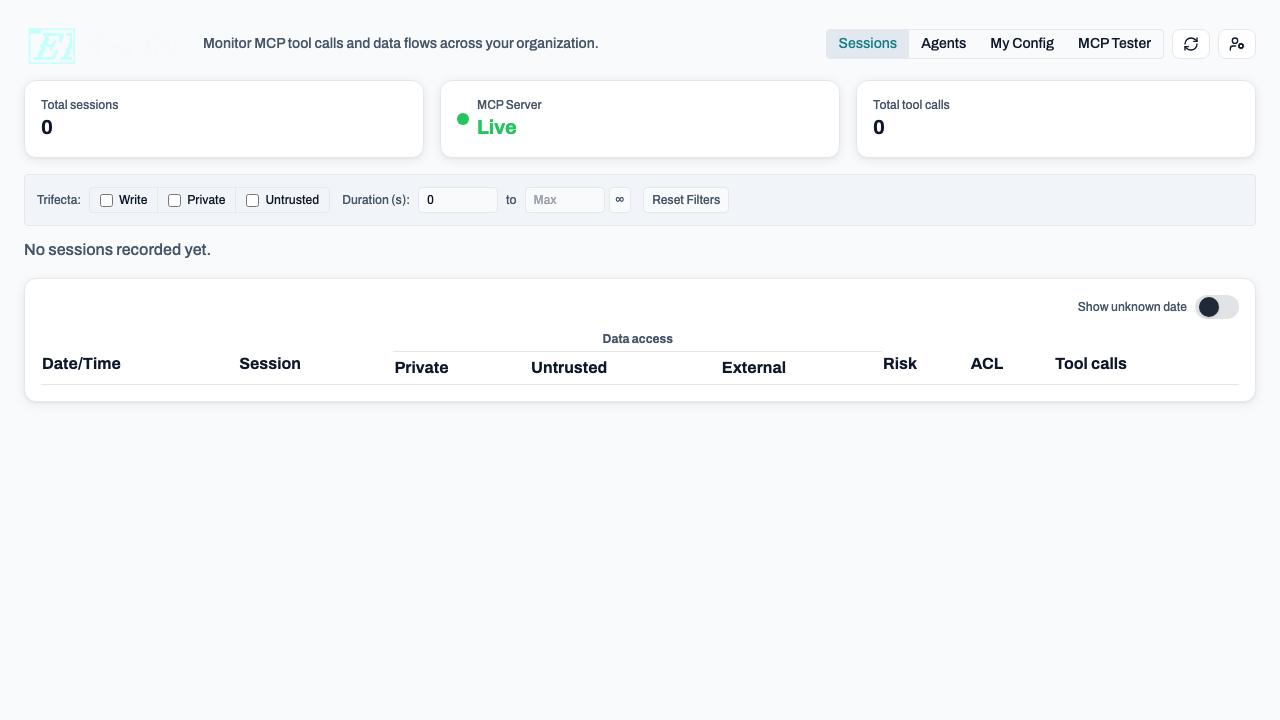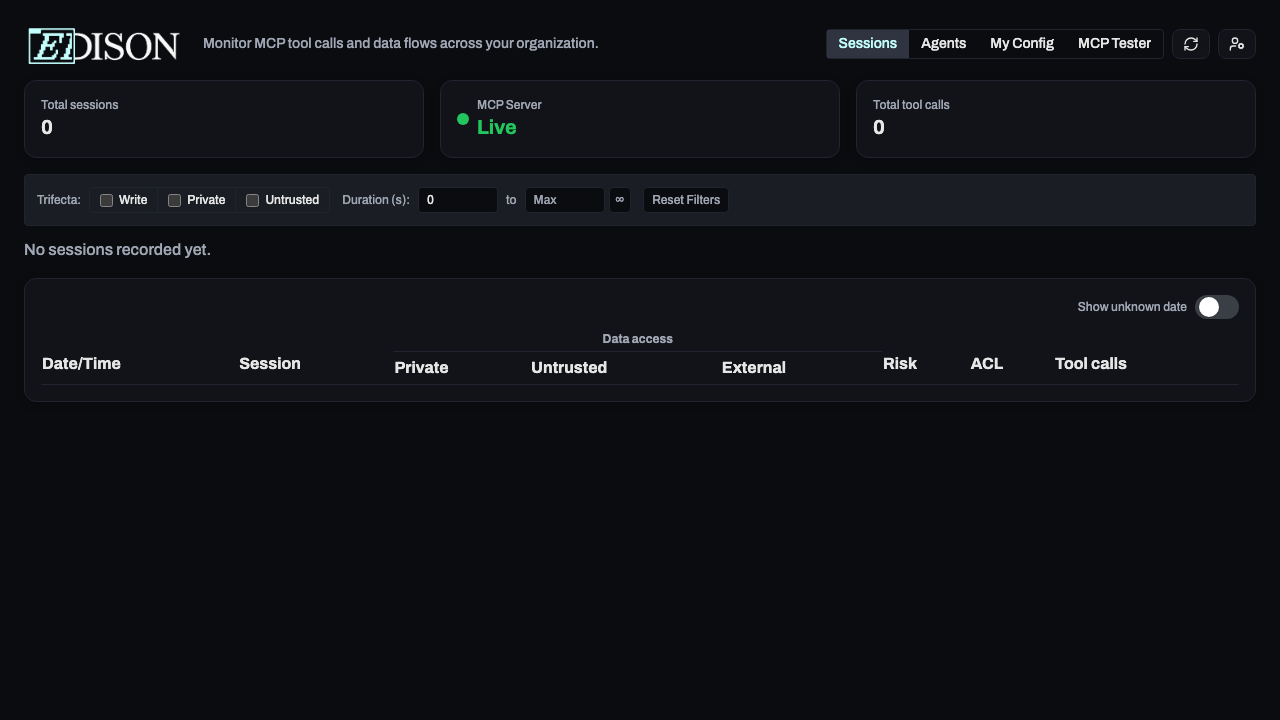

Dashboard Guide
Monitor and manage your AI activity.
The dashboard provides visibility into your AI tool usage. See what your assistants are doing, review data flows, and manage personal settings.
Getting There
- Client App: Menu Bar → Open Dashboard
- Direct: demo-dashboard.edison.watch
Main Views
Sessions
Review activity logs and timelines.
Security Flags
Learn about the Lethal Trifecta and ACLs.
Approvals
Manage pending requests.
Navigation
- Sessions: Real-time tool call history.
- Agents: Visual patterns of agent activity.
- My Config: Personal credentials and server setup.