

Users
View, invite, and manage users in your organization.
The Users page gives admins a complete view of every person in the organization, their roles, recent activity, and risk profile.
The Users List
Go to Users in the sidebar.
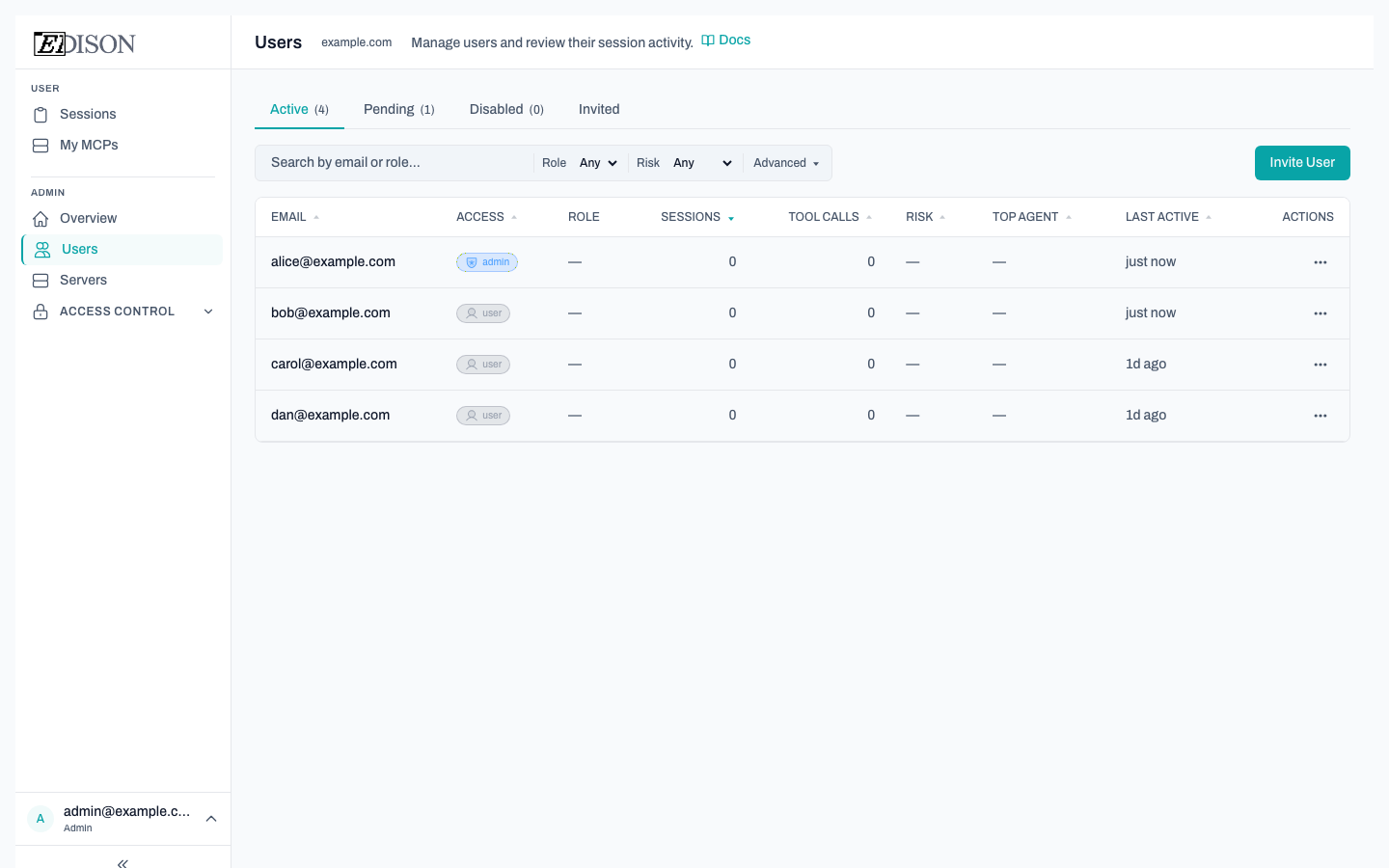
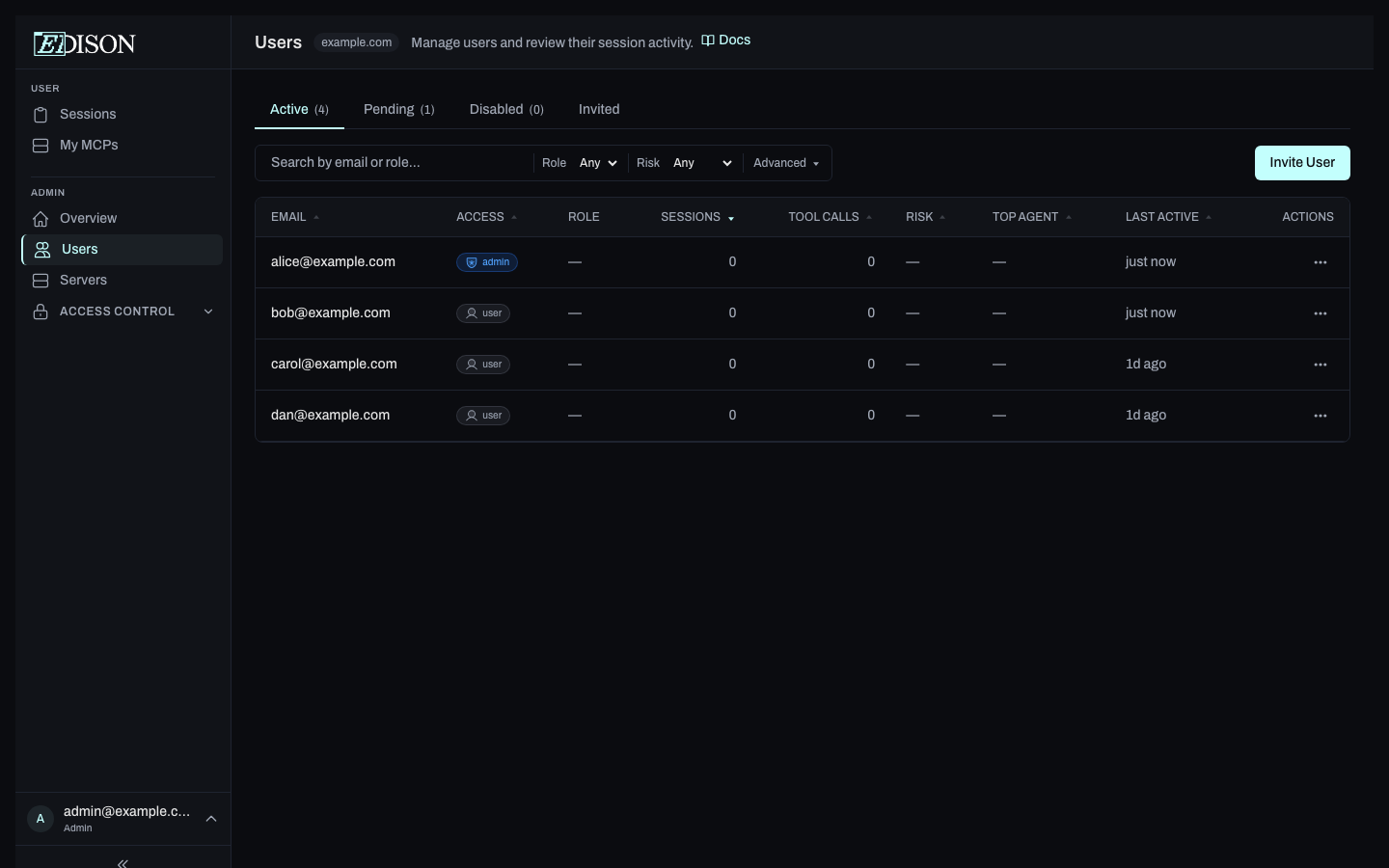
Each row shows:
| Column | Description |
|---|---|
| The user's email address. | |
| Access | System role: member, admin, or owner. |
| Role | Custom role assignments from Access Control. |
| Sessions | Total AI sessions started by this user. |
| Tool Calls | Total tool calls across all sessions. |
| Risk | Aggregated risk level (Low, Medium, or High). |
| Top Agent | The AI agent most used by this user. |
| Last Active | When the user last ran a session. |
Filtering and Searching
Use the toolbar to find specific users:
- Search — Filter by email.
- Access filter — Show only users with a specific system role (
member,admin,owner). - Risk filter — Show only Low, Medium, or High risk users.
- Min Sessions / Min Tool Calls — Filter by activity thresholds.
User Detail Panel
Click a user row to open the detail panel on the right. It shows:
- Profile — Email, role, join date, and current role assignments.
- Session history — Recent sessions with risk level, ACL, and tool call count.
- Role management — Add or remove role assignments directly from the panel.
- Approval history — Pending and resolved approval requests for this user.
Inviting Users
Click Invite User to send an invitation by email. Invited users receive a link to create their account and are automatically added to the organization.
Changing Roles
From the user detail panel:
- Click Change Role (or the role badge).
- Select the new system role (member, admin, or owner).
- Confirm the change.
You can also assign custom roles from the Access Control page.
Approving Pending Users
If your organization requires admin approval for new accounts, users appear in a Pending state until an admin approves them. Use the approval badge or the Pending Approvals view to review and approve new signups.
Only admins and owners can view the full user list, invite users, or change roles. Regular users do not have access to this page.