

My MCPs
View and interact with the MCP servers available to you.
My MCPs is the user-facing view of MCP servers. Unlike the admin Servers page, this view shows only the servers available to your account and lets you test them and manage your personal credentials.
The My MCPs View
Go to My MCPs in the sidebar.
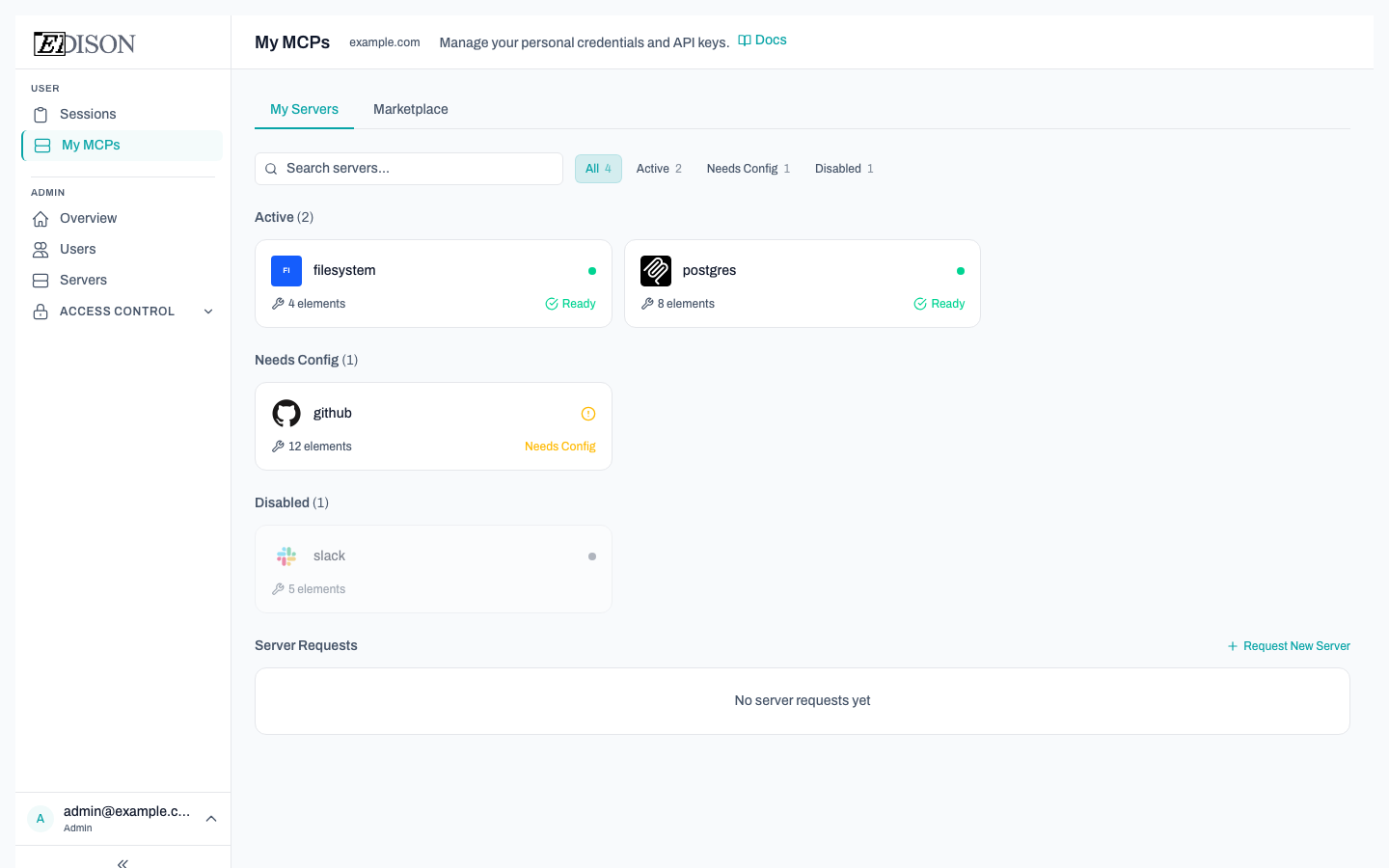
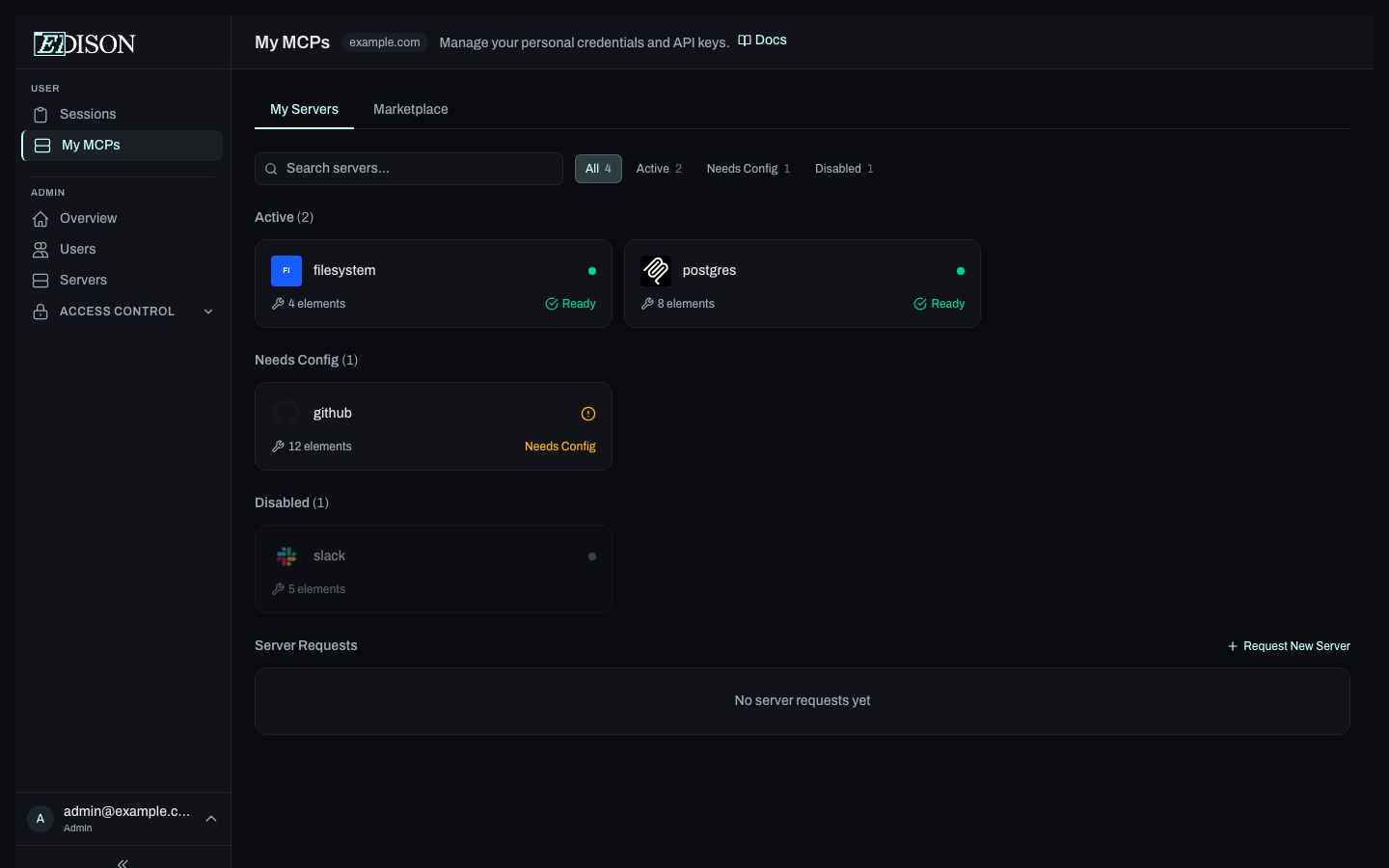
Servers are displayed as cards grouped by status:
| Group | Meaning |
|---|---|
| Active | Server is enabled and ready to use. |
| Needs Config | Server is enabled but requires you to enter credentials or other settings. |
| Disabled | Server has been disabled by an admin. |
Filtering Servers
Use the filter bar to narrow the list:
- Search — Filter by server name.
- Status tabs — Show only Active, Needs Config, or Disabled servers.
Each tab shows a count badge with the number of servers in that state.
Interacting with a Server
Click a server card to open the inline panel. Two tabs are available:
| Tab | Description |
|---|---|
| Configure | View server details and enter your personal credentials if required. |
| MCP Tester | Send test tool calls to the server and inspect responses in real time. |
Click the × in the panel header to close it without navigating away.
Requesting Access to a New Server
If you need access to an MCP server that isn't in your list:
- Switch to the Marketplace tab to browse available servers.
- Click Request on a server to submit an access request to your admin.
- Your pending requests appear below the server grid on the My Servers tab.
You can also submit a custom request from the Marketplace tab by clicking a server and filling in the request form.
Entering Your Credentials
Some servers require user-provided credentials (API keys, tokens, etc.). When a server shows a Needs Config status, click it and fill in the required fields in the Configure tab. Your credentials are encrypted before being stored — Edison Watch never sees them in plaintext.
Admins manage the full server list from the Servers page. Contact your admin if a server you need is not available or is disabled.